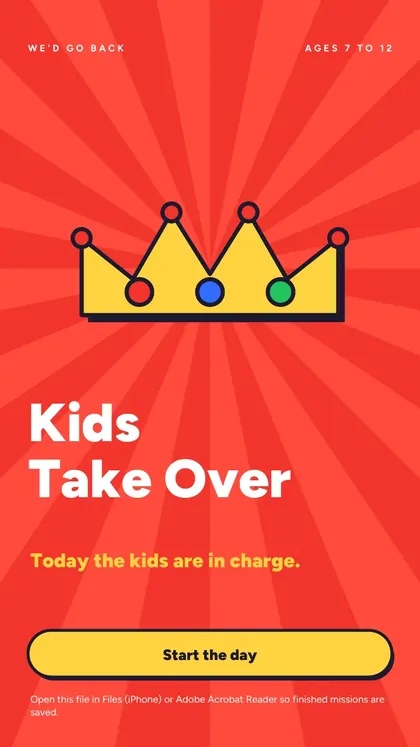
Kids Take Over
Today the kids are in charge. One day of missions where your child leads the family.
| For | Families with kids aged 7 to 12 |
|---|---|
| Use it | Any day of the trip, best on day three |
| Pages | 40, made for the phone screen |
| Needs | Nothing. No app, no Wi-Fi, no printer |
Secure checkout by Stripe (card, Apple Pay, Google Pay). Instant download after payment, and a receipt by email. Because the download starts right away, the 14-day right of withdrawal ends when you get it. Terms
Also in Family Trip Pack, 3 games for $17.99.
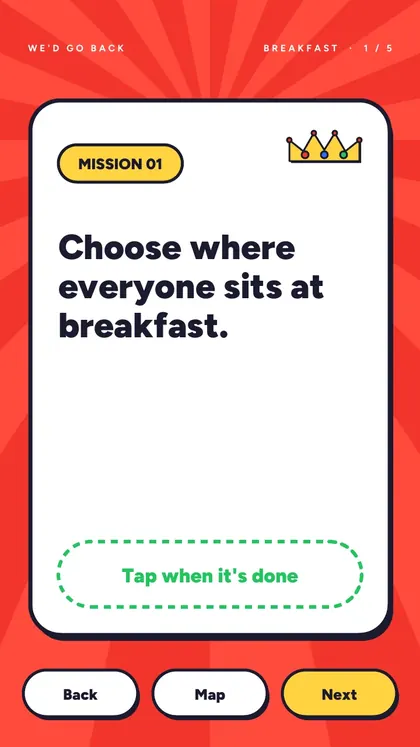
5 of the 30 missions
Copied from the game itself, so you know exactly what you get.
- Choose where everyone sits at breakfast.
- Decide what time we leave. Then make sure we do.
- You're the guide. Choose left or right at every corner for ten minutes.
- Invent a rule everyone has to follow until lunch.
- Secret mission: make a grown-up say YES three times without telling them you're playing.
Inside the game
What's inside
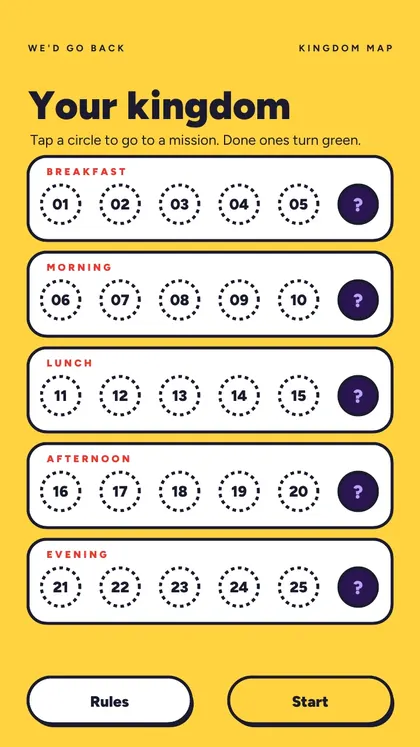
- 25 missions across breakfast, morning, lunch, afternoon and evening
- 5 secret missions the grown-ups do not see
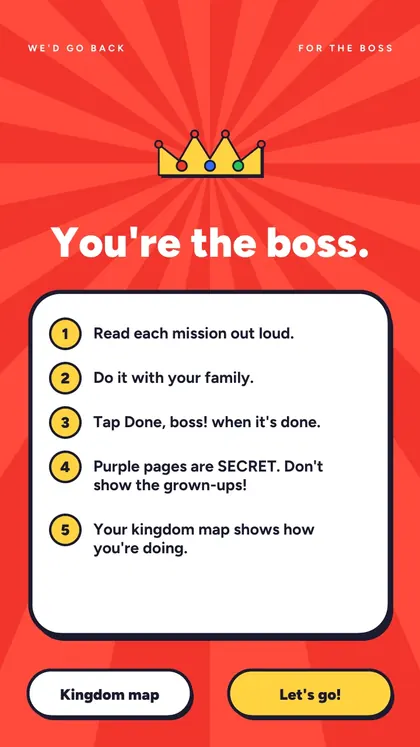
- Five rules for grown-ups: budget, safety veto, say yes to the rest
How it works
- Grown-ups read their five rules
- The kid opens the Kingdom map
- Every finished mission turns a circle green
Questions
Does Kids Take Over need Wi-Fi or an app?
No. It is a PDF made for the phone screen. Download it at home and it works offline anywhere, with no app.
Do I need to print it?
No, it is made for tapping on the phone. You can print it too if you prefer paper: it is one page per mission.
Which phones does it work on?
Any phone that opens PDFs. To keep your ticks, open it in Files (iPhone), Chrome or Drive (Android) or Adobe Acrobat Reader.
What age is it for?
Ages 7 to 12.
How do I get it after paying?
Right after payment you land on your download page, and Stripe sends a receipt by email. The page is yours to keep.